The Invisible Decisions Your Software Makes for You
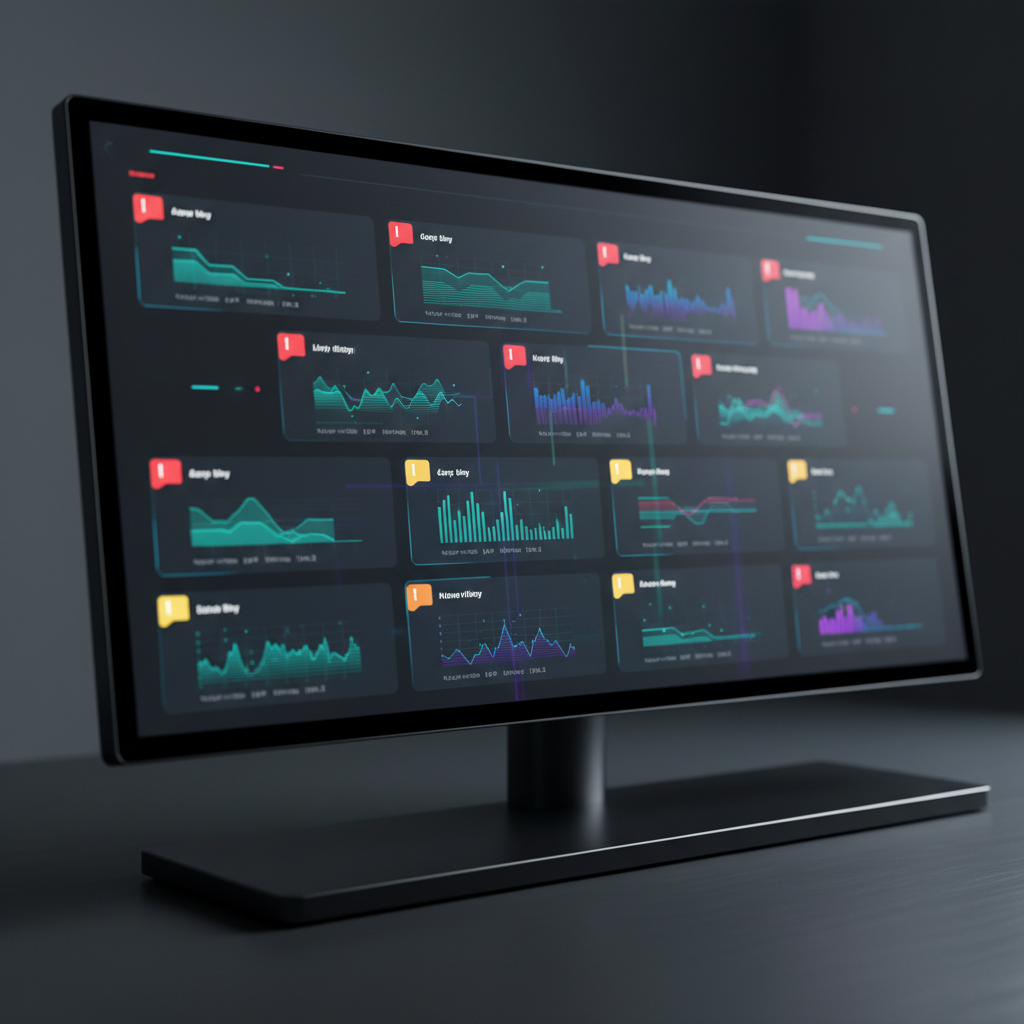
Every piece of software your business uses makes decisions. Not suggestions, not recommendations. Decisions. And most of them happen without anyone noticing.
When a shop management platform decides which services to highlight on a digital inspection, that is a decision. When a CRM tool determines the timing and frequency of follow-up messages to a customer who declined a repair, that is a decision. When an online booking system pre-selects certain add-on services, that is a decision. These choices are baked into default settings, algorithms, and workflow templates that ship with the software. They affect how your customers are treated every single day. And the vast majority of service business owners have never examined them.
Defaults Are Decisions
Software vendors know that most users never change the default settings. Research consistently shows that defaults have an outsized influence on behavior because people tend to accept whatever is pre-selected. This is not a secret. It is a well-documented principle in behavioral science, and software companies build their products around it.
So when a platform ships with aggressive follow-up sequences enabled by default, the vendor is making a decision about how your shop communicates with customers. When a digital inspection tool defaults to flagging every item as "needs attention" rather than letting technicians set severity levels, the vendor is deciding how your recommendations get presented. When a review request goes out automatically two hours after pickup with no way for the customer to opt out except by scrolling to tiny text at the bottom, that is a decision about consent that the software made on your behalf.
You did not choose any of these things. You chose the software. The software chose the rest.
The Configuration Illusion
Vendors will point out that their tools are configurable. You can change the settings. You can customize the workflows. You can turn features off. This is technically true and practically meaningless for most businesses.
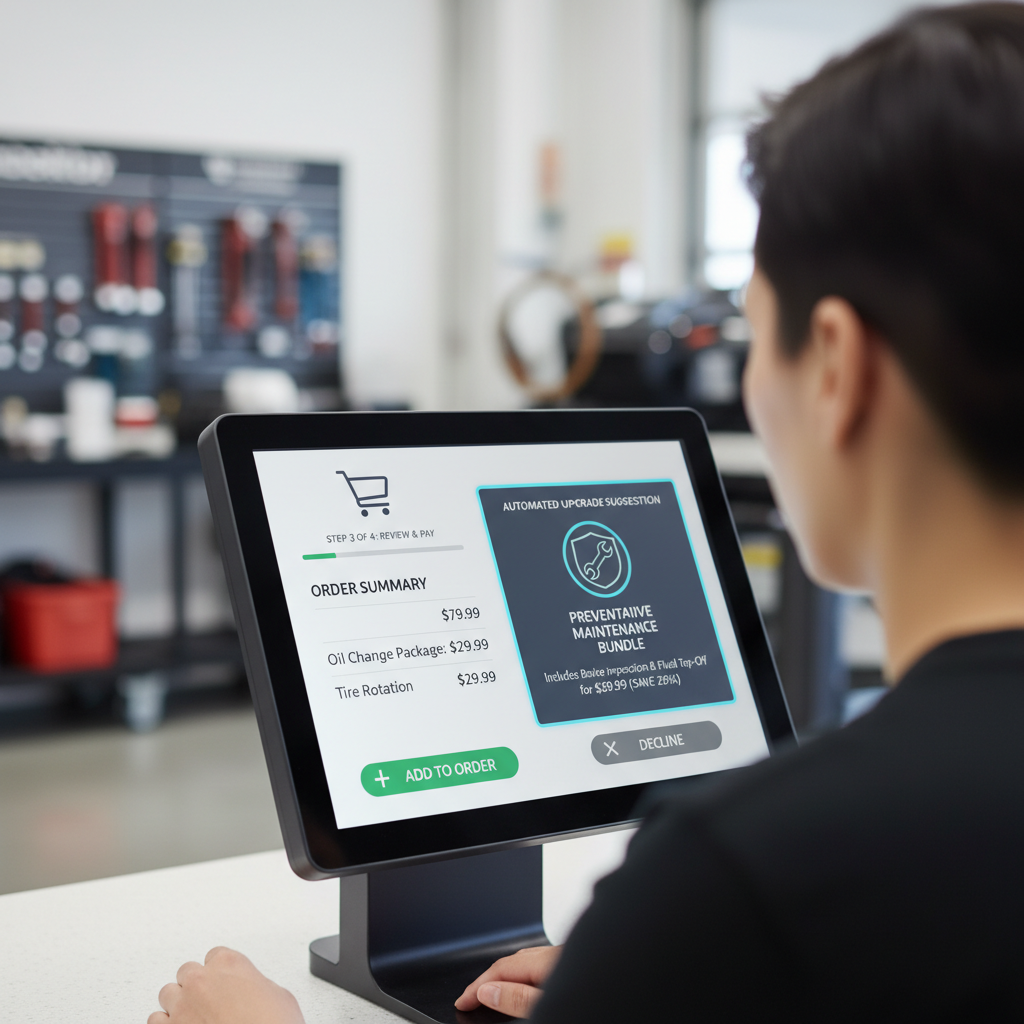
Configuration options in modern service software are often buried several menus deep. They use jargon that requires reading documentation to understand. They are presented in ways that make the default seem like the recommended option and any deviation feel like you are leaving money on the table. Some platforms even frame their more aggressive features as "best practices" in their onboarding materials, implicitly discouraging shop owners from dialing them back.
The result is that the average shop owner runs on default settings because they are busy running a business, not auditing software configurations. They trust that the vendor designed things reasonably. That trust is often misplaced, especially when the vendor's revenue model depends on demonstrating that their tool increases the shop's average ticket value.
What These Decisions Actually Affect
The invisible decisions in your software touch nearly every customer interaction:
- How recommendations are presented. Some tools sort services by price (highest first) or by profit margin. Others present everything with equal visual weight, making a $50 cabin air filter look as urgent as a $1,200 timing belt replacement.
- When and how often customers are contacted. Automated messaging sequences can range from one polite reminder to a relentless drip campaign. The default cadence is a decision about how much pressure your business applies.
- What information customers see and do not see. Some platforms show customers a detailed breakdown of parts and labor. Others show a total and a big green "Approve" button. What gets shown and what gets hidden shapes the customer's ability to make an informed choice.
- How reviews are solicited. Review gating, where happy customers are directed to public review sites while unhappy ones are funneled to private feedback forms, is a default feature in several popular platforms.
- How leads are prioritized and handled. Lead scoring algorithms decide which potential customers get fast responses and which ones wait, often based on estimated job value rather than first-come, first-served fairness.
Each of these decisions carries ethical weight. And each one is being made by software that was designed to maximize business metrics, not to uphold your values or protect your customer relationships.
The Accountability Gap
Here is where things get particularly uncomfortable. When a customer has a bad experience because of an aggressive automated follow-up, who is responsible? The shop owner, who may not even know the feature was enabled? The software vendor, who designed it as a default? The service advisor, who was following the workflow the system laid out?
In practice, the customer blames the shop. They do not know or care what software you use. They received a pushy text with your name on it, and that is what they remember. The vendor faces no consequences because they are invisible to the customer. The accountability gap between who designs the system and who faces the fallout is one of the most underexamined problems in service business technology.
This is not a hypothetical. According to the Better Business Bureau, auto repair has consistently ranked among the most complained-about industries, and increasingly those complaints involve communication practices that are driven by software, not by individual employees making bad choices.

Taking Back the Decisions
The solution is not to abandon software. Modern service businesses need digital tools to operate efficiently. The solution is to stop treating software configuration as someone else's job and start treating it as a core business responsibility.
That means actually going through your settings. Every screen, every toggle, every automated message template. Read the words that go out to your customers under your name. Look at the default follow-up sequences. Check how your digital inspection presents recommendations. Understand what your review solicitation process looks like from the customer's side.
Some specific actions worth taking:
- Audit your automated messages. Read every text and email your system sends on your behalf. Rewrite anything that feels pushy, vague, or impersonal.
- Review your default recommendations workflow. Make sure technicians are making judgment calls about what to recommend, not just running through a checklist that the software defined.
- Check your follow-up cadence. If a customer declines a service, how many times does your system contact them about it? What is the tone? Would you be comfortable receiving those messages?
- Examine your booking flow as a customer. Go through your own online booking process. Note every pre-selected option, every add-on suggestion, and every piece of information that is shown or hidden.
This is work that takes time. It is also work that directly affects whether your customers feel respected or manipulated. Understanding where your tools help versus where they push too hard is not optional for a business that takes its reputation seriously.
Your software is making decisions in your name every day. Whether those decisions reflect your values or someone else's business model is entirely up to you, but only if you bother to look. Most shop owners choosing software would benefit from an ethical evaluation framework before signing a contract and letting defaults run the show.